


For most of us, on any given day we engage with multiple authentication systems. To leave your home, you lock a door with a key. You unlock a vehicle with an electronic fob. You swipe a badge or clock in with an employee card, and when you start work on your computer, you enter several passwords to access software, accounts, or websites. These methods rely on a physical item (keys, cards) or knowledge (passwords, PINs), and sometimes both with two-factor authentication (2FA) via a text or app.
Individually, these methods are reasonable, simple, and relatively secure. The challenge is complexity: every additional system means more items to carry (and potentially lose) and more credentials to remember (and potentially reuse).
Why biometrics are great for authentication
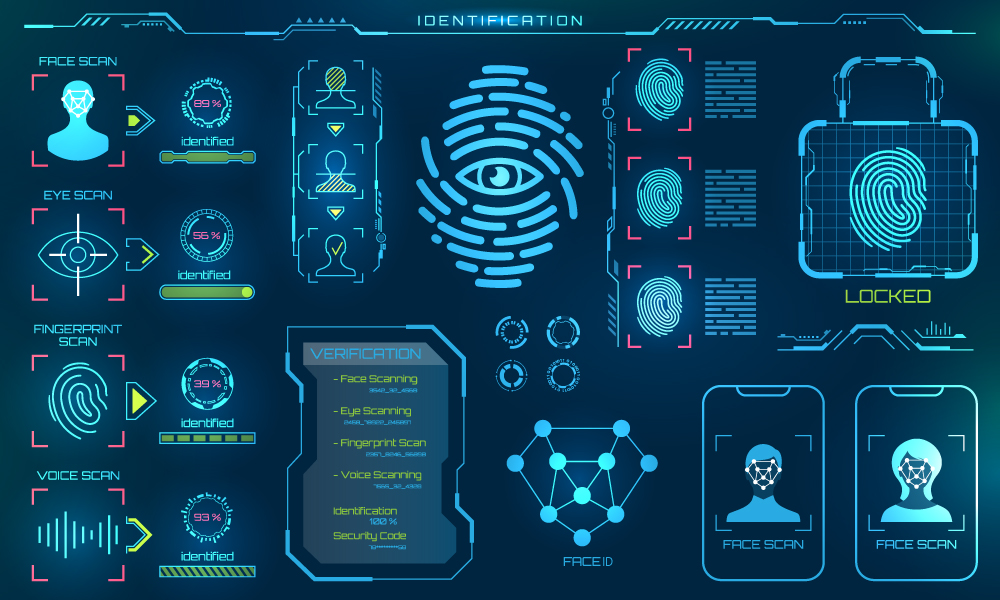
Biometric authentication uses unique physical or behavioral traits—such as a fingerprint or facial authentication. Unlike keys, you always have them with you. Unlike short passwords, biometric templates carry far more distinguishing information and aren’t easily forgotten or shared. Stealing and successfully reproducing biometric data is harder than with traditional credentials when systems are designed correctly.
How biometric systems work (at a glance)
A sensor captures biometric data and converts it into a template—a numerical representation, not an image. At authentication time, a live capture is compared to the enrolled template to verify identity.
Popular biometrics (quick guide)
- Fingerprint: Fast and familiar; touch-based (hygiene tradeoffs).
- Voice: Convenient but susceptible to recordings/synthesis without robust anti-spoofing.
- Iris/eye-based: Accurate; close-range capture can slow the user experience.
- Behavioral (keystroke/signature): Strong as a secondary factor layered onto existing flows.
- Facial authentication (our focus): Touchless and fast; with depth + passive liveness (PAD) and on-device processing, it’s private and difficult to spoof.
Facial authentication done right
2D-only face matching can be fooled by high-quality photos or screens and may raise privacy concerns if images are stored. Robust systems add depth sensing and liveness detection (PAD) and avoid storing face images altogether.
RealSense™ ID Facial Authentication
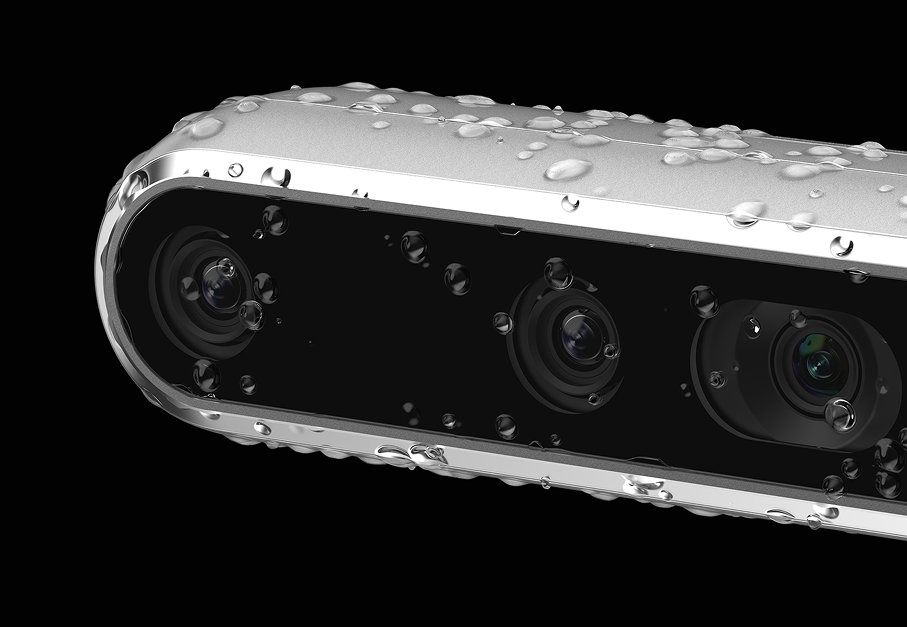
RealSense ID delivers privacy-first facial authentication using active-stereo depth and on-device AI. The system creates a face template (not a picture), performs matching on device, and does not transmit face images to external servers. Templates and transactions are encrypted, and components are digitally signed.
- Performance & accuracy: ~1-in-1,000,000 FAR, ~99.87% true-accept, <0.1% spoof-acceptance, with sub-second decisions.
- Passive PAD (liveness): Multi-frame AI analyzes depth structure, texture, micro-motion, and reflectance to block photos, videos, and masks—without prompts.
- Inclusive & resilient: Works from darkness to bright sunlight, supports all skin tones, and adapts to appearance changes (hair, facial hair, glasses). Typical geometry supports users ~120–190 cm tall at ~55 cm distance.
- Security hardening: Templates protected with AES-256; models, user database, and operational firmware ECDSA-signed; updates are signature-verified before install. Matching remains on device to minimize exposure.
- Standards & evaluations: ISO/IEC 30107-3 (PAD) evaluation with iBeta is in progress; Google PAD testing with IOActive (Spain) completed.
Where it fits
Because RealSense ID is touchless, fast, and on-device, it suits access control (doors, gates, turnstiles), kiosks/ATMs, POS, and time & attendance in high-traffic, privacy-sensitive environments.
Example (banking/ATM): Enrollment can be completed in seconds (per bank policy). Thereafter, on-device matching at the terminal enables secure, cardless access—no passwords to remember, no face images stored, and liveness checks running automatically.
Summary:
Keys and passwords multiply complexity. RealSense ID brings depth-enhanced, on-device facial authentication with passive liveness, sub-second decisions, and privacy by design—no face images stored, encrypted templates, and signed components.
Learn more
- Read our whitepaper: The Ethical Application of Facial Authentication in Enterprise Access Control in Western Markets (7.2025). [link to whitepaper]
- Explore RealSense ID (F455 turnkey peripheral; F450 module) and our SDK. (realsenseid.com)
- Talk to Sales for integration guidance and evaluation units. {link to sales form]
Everyday authentication (and its hassles)